Know if the current setup is good enough.
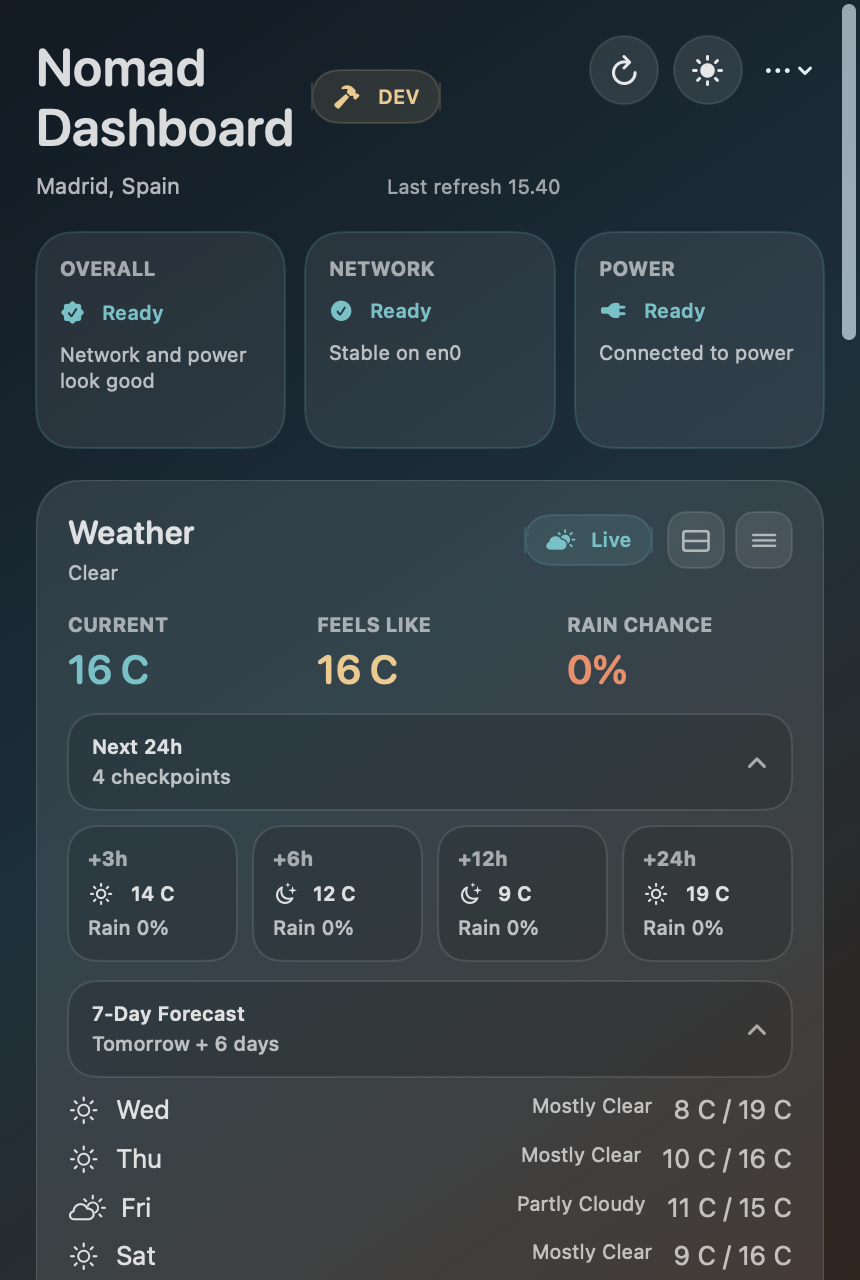
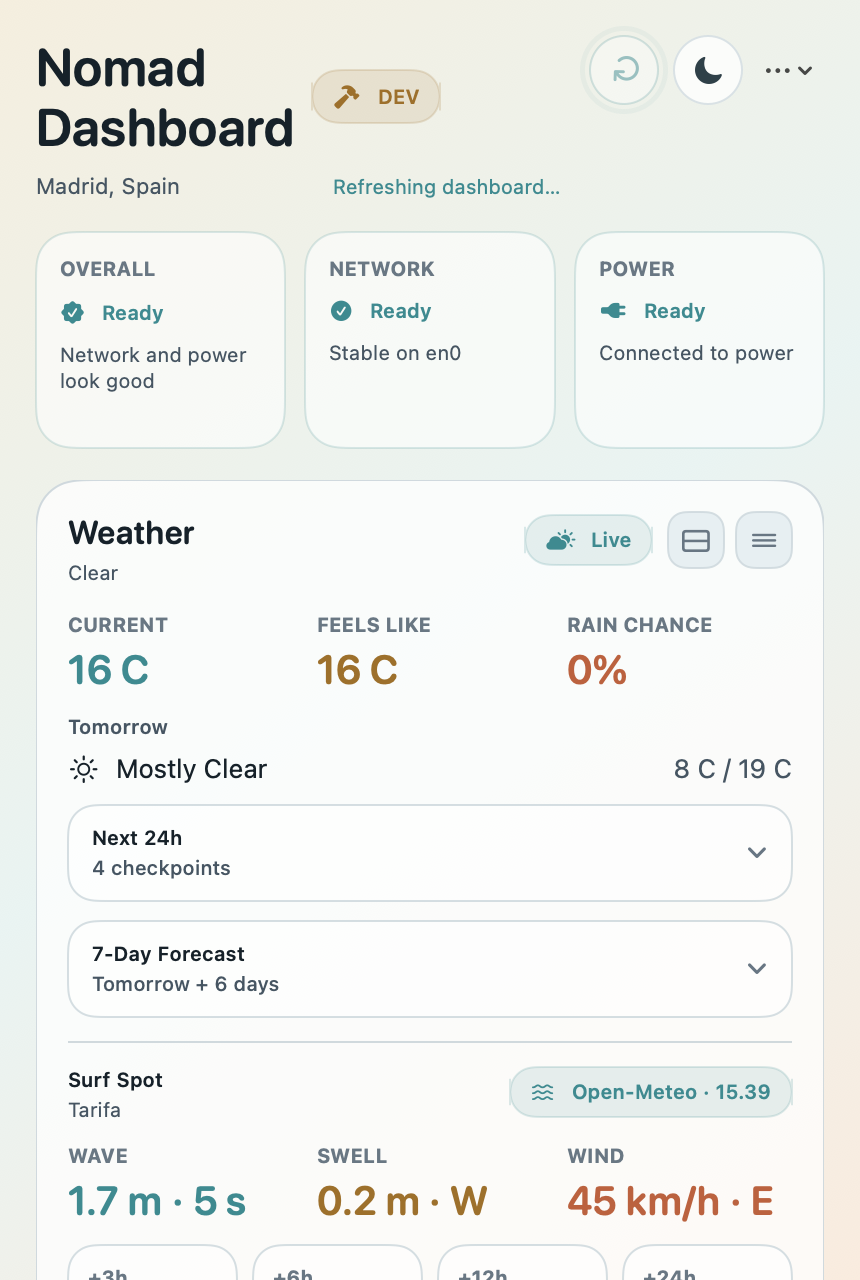
Reachability, throughput, latency, jitter, Wi-Fi context, VPN state, battery, charging, and time-zone-aware place checks in one compact view.
Connection quality, power, weather, local project time tracking, and travel context in one menu bar dashboard that is easy to open, easy to trust, and easy to leave alone.
Built for remote workers, consultants, digital nomads, and traveling developers who want context without a bulky monitoring app.
Nomad Dashboard now reads best as a balanced Mac utility: part work-readiness check, part lightweight local work log, part travel-aware context layer.
Reachability, throughput, latency, jitter, Wi-Fi context, VPN state, battery, charging, and time-zone-aware place checks in one compact view.
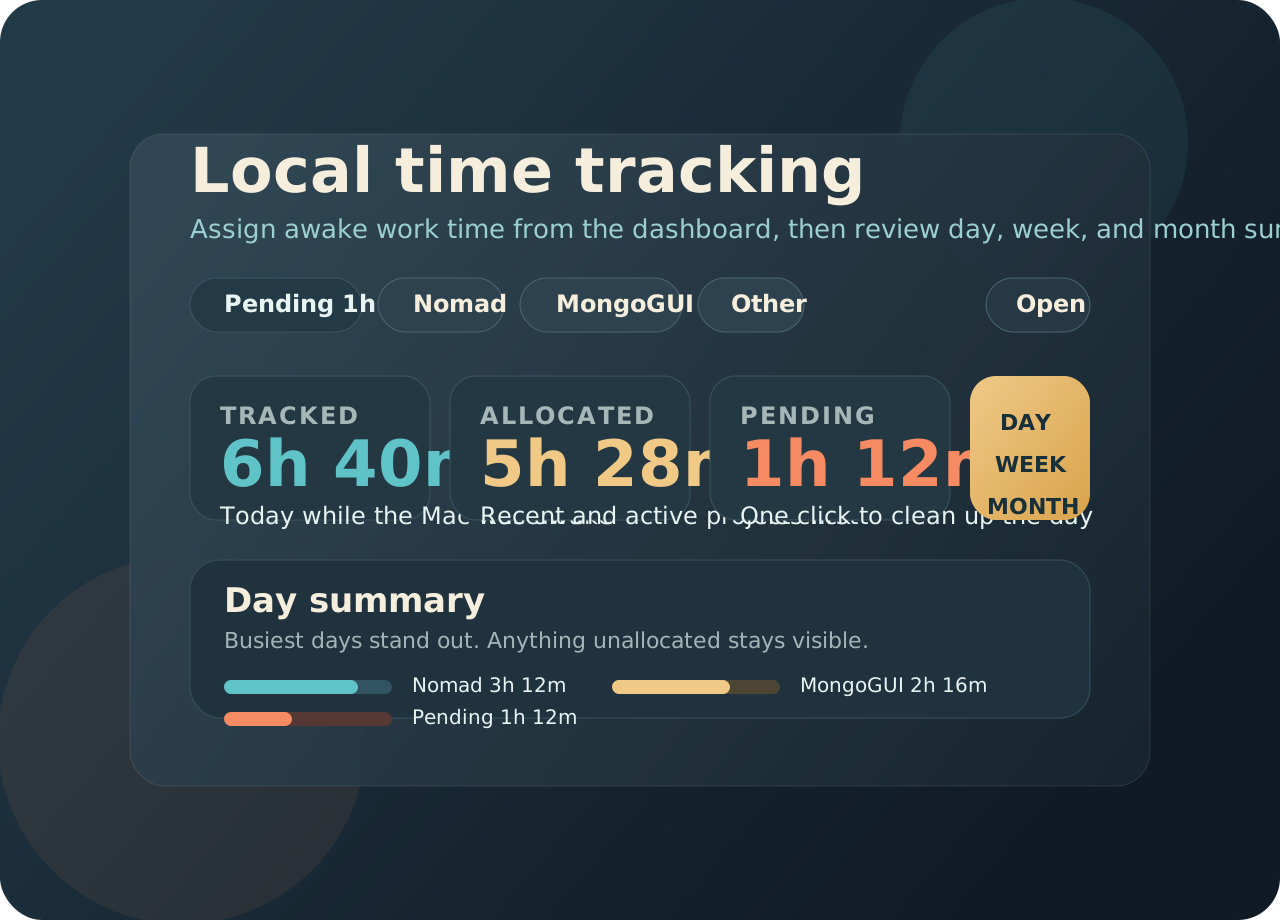
Track awake work time locally on the Mac, assign it with quick project chips, and review day, week, and month summaries when you need to clean things up.
Weather, IP/location context, visited places, and optional travel modules stay nearby without turning the app into another full travel portal.
The recent `v0.6.0` to `v0.6.3` release cycle added and refined a dedicated local time-tracking workflow. That matters for the website because the app is no longer only “travel context plus weather.” It now helps wrap the workday too.
Three concrete moments the site should now speak to: settling in, moving around, and wrapping up work locally.
Check connection stability, battery behavior, local weather, and whether the network still sees you from the place you expect.
Keep time zone, place context, forecast shifts, and optional travel-aware tools close at hand without disappearing into a stack of websites and system menus.
Assign pending work from the dashboard, review the day or week, and export a clean month summary when you need a simple record of where the work went.
The travel story stays important. It is just no longer the only top-level story.
Public IP, city, country, and time-zone context help you sanity check where you appear from, while weather stays close enough to influence the next move before you leave the current spot.
Travel alerts, nearby utilities, and surf conditions stay compact. They are there when the day gets more adventurous, not forced into every session.
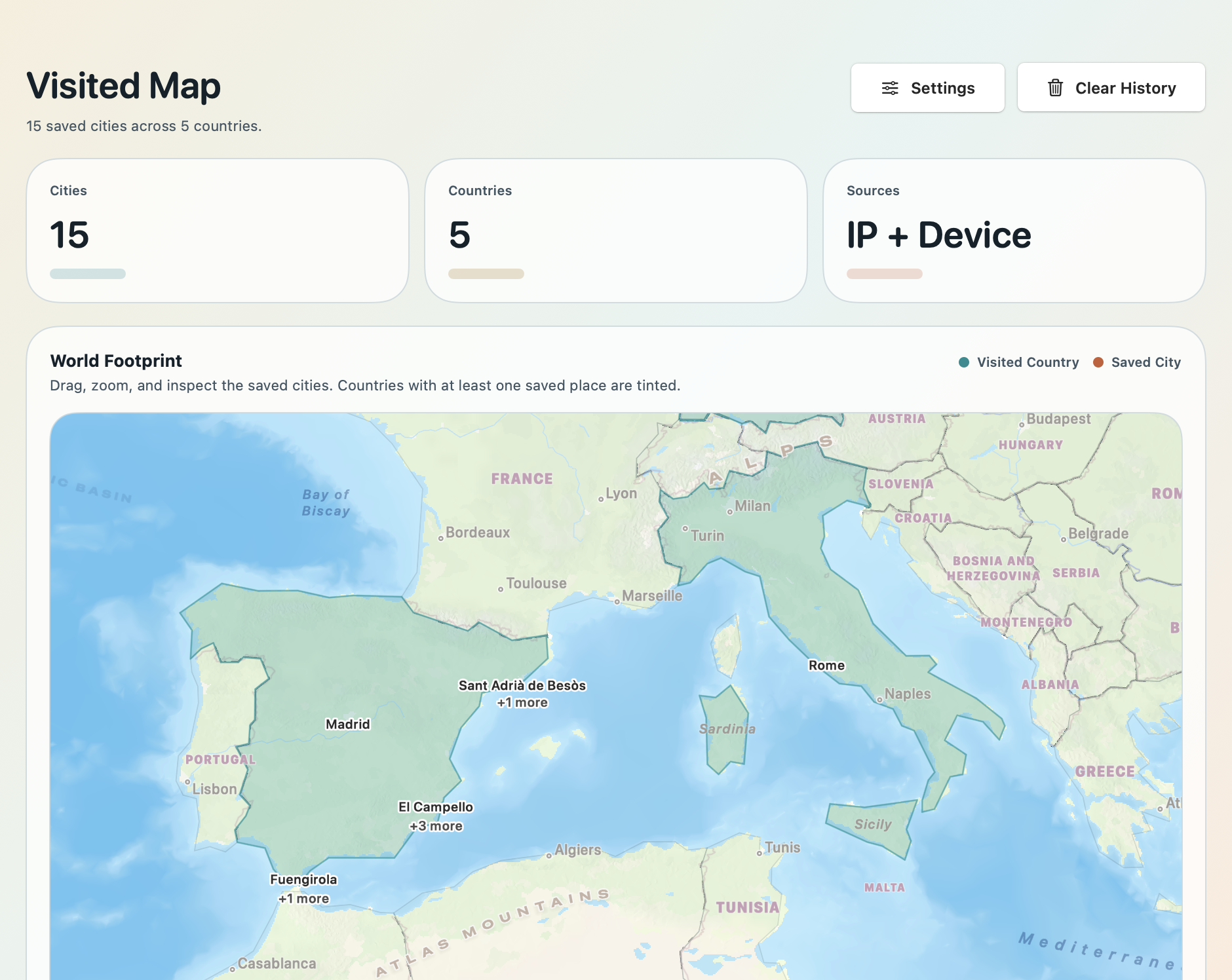
Visited places and country-day summaries remain one of the most distinctive parts of Nomad Dashboard. They stay local to the Mac, can be reviewed by year and month, and give the product an independence-minded feel that fits the rest of the tool.
Keep the trust story practical: native macOS utility, direct download, local storage where it matters, and no overclaiming.
Built for macOS 14+, menu-bar-first, compact, and shaped like a Mac utility instead of a browser dashboard wrapped as an app.
Project time tracking, visited places, and country-day history stay local to the Mac. Optional location-aware features stay under user control.
Free to use, Apache-2.0 licensed, on GitHub, directly downloadable outside the Mac App Store, and provided as-is.
A native Android companion is in progress for the same Nomad Dashboard workflow: dashboard context, travel signals, visited history, time tracking, and travel-aware utilities on phone.
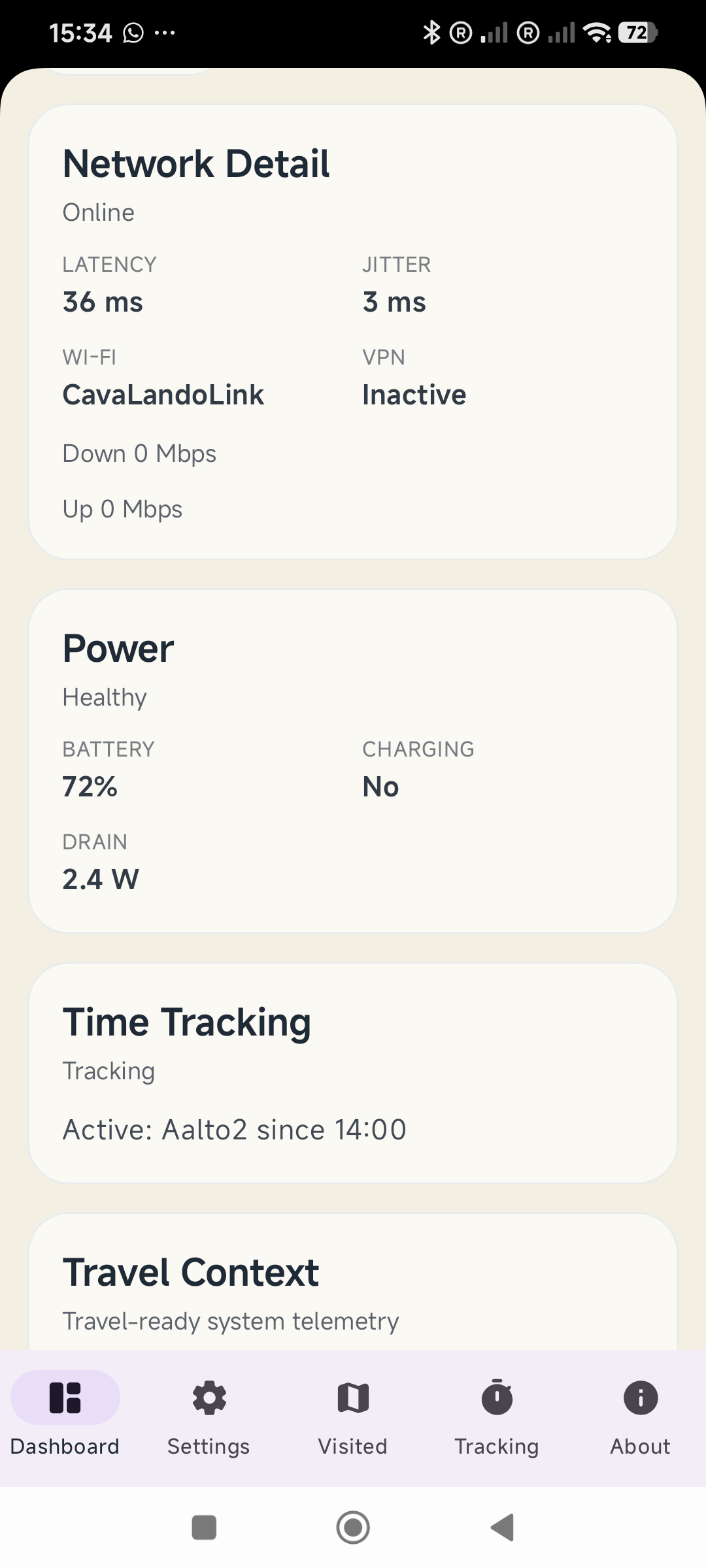
Nomad Dashboard is free to download and use on macOS today. It is open source, directly installable, and shaped for a modern independent working life rather than a subscription funnel.
Nomad Dashboard fits people who want fewer tabs, less operational clutter, and a calmer relationship with the practical details of remote work and movement.